
 +971 50 660 2234
How to Maintain a Photocopier?
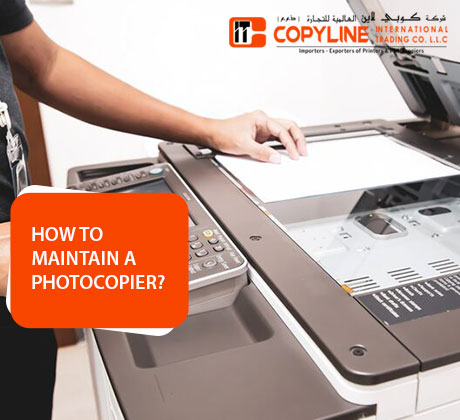
Correct use of office equipment ensures that day-to-day business runs smoothly, without any unexpected interruptions. For a reliable office, the hardware needs to be able to perform consistently during the “heavy” duty times. Small activities done daily will help to avoid the escalation of small problems into costly mechanical problems. The care of the equipment can prolong its life for several years. For information on how to protect your machinery the best, read on.
Preventing Frequent Paper Jam Failures
One of the most common problems in a hectic office is paper jams. These typically happen when paper is stored in inappropriate conditions or when it is loaded improperly. Paper expands when it gets wet from the air, and the pages become firmly joined. This results in the machine feeding in several sheets at a time and causes jams and tears.
Avoid paper jamming by doing the following:
- Keep reams of paper in a cool, dry cupboard, out of the way of moisture.
- Spread out the edges of the paper stack before putting it in the tray.
- Paper guides should be adjusted so they are snug against the side of the stack.
Recurring paper jams can be minimised by regular internal cleaning. The inside of the paper pathways becomes filled with dust, which impacts the movement of the rollers. With time, worn rollers lose traction with the sheets. When these little problems are taken care of in time, urgent photocopier repair services will not be needed. Clean rollers mean a smooth way for each and every print job.
Enhancing Document Print Quality and Cleanliness
Blurring of lines and streaks on printed materials is extremely unprofessional to customers. Such defects can be a result of the dirty glass on the scanner or the failure of the drum unit. Copying glass with dust, fingerprint oils and correction fluid marks will result in a copy with these marks. Regular glass cleaning means that you will have high-quality and crisp documentation for your business.
Poor print quality is due to the following reasons:
- Scratches on the outside glass or mirrors inside the scanner.
- Low-level cartridges or cartridges with low toner distribution.
- Small scratches on the smooth surface of the imaging drum.
The proper cleaning materials are used to avoid damaging sensitive components. Best practice is to use a soft cloth that is lint-free and made of microfibres to wipe down optical glass surfaces. Liquid cleaners should not be sprayed directly on the machine because moisture leaks can occur into the machine. Good print quality is important to keep your business reputation when presenting to others.
Managing Consumables and Toner Replacement
The key to keeping machinery healthy on the inside is to use top-quality consumables. Low-cost and generic toners tend to shed fine powder on the machine casing. This free powder generates friction between moving gears and leads to early gear wear. Buying the real parts helps prevent damage to the internal delicate parts caused by abrasive components.
Here are some of the best practices for managing your toner:
- Storing spare toner cartridges in a horizontal position in a dark place.
- Gently shake the new toner cartridge before inserting.
- Using “lightness” as the indicator for replacement of the cartridges.
Don’t force a stubborn cartridge in the slot; this will break plastic clips. If a component doesn’t go in easily, look for blockages inside the component. The internal electronic sensors are not to be broken by not following the correct installation techniques. Regular maintenance will help the machine operate smoothly and avoid sudden breakdown during large volume printing.
Scheduling Professional Maintenance Support
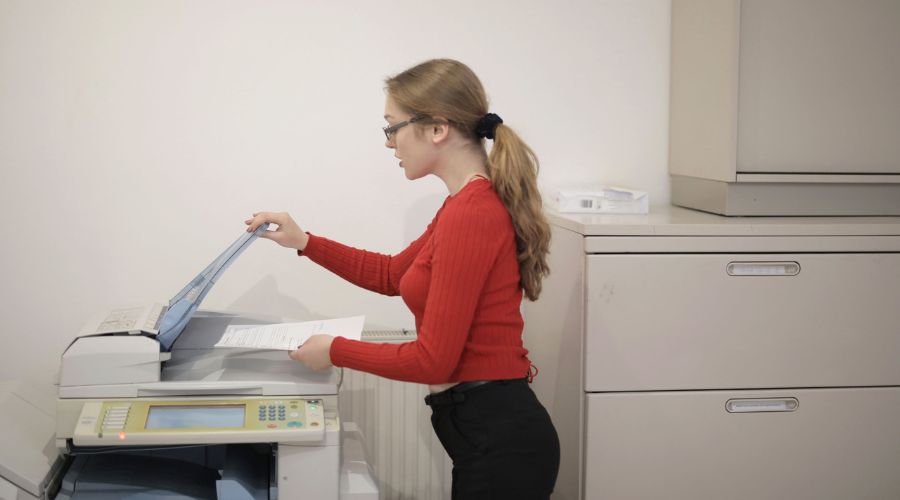
Every day, cleaning works, but the complicated inner workings are taken care of by professionals. In operation, internal parts like the fuser assemblies become extremely hot. Special lubrication and calibration are necessary for these parts to operate safely. Professional technicians can detect hidden wear that is not easily noticed by the members of the office staff.
A suitable copier maintenance and AMC package guarantees smooth copier operations for business establishments in Dubai. Professional support program benefits are:
- Pre-scheduled regular checkups to detect problems at an early stage.
- Timely replacement of the worn-out internal rollers and belts.
- Predictable budget – covered spare parts and labour.
An annual maintenance contract means that you will not be concerned with unexpected equipment failure. Business owners can’t ask for better peace of mind when it’s busy. Your team can concentrate fully on your key business goals when they know you have trained professionals working on your hardware. Regularly scheduled inspections guarantee that your system is reliable.
Choosing Reliable Technical Support Partners
Having a reliable support team can be a huge difference when technical issues arise. Downtime caused by waiting days for the technician causes loss of business revenues. The responsive service provider is the one who can identify the problem with the hardware and complete the repair in a short time. Maintain a secure and efficient office environment with professional help.
An expert printer service provider will be able to help you in case you have a recurring hardware problem. Qualified engineers have the right diagnostic equipment and can deal with logic problems that are not that simple. They guarantee that firmware updates are correctly used to avoid network vulnerabilities. Professional repairs ensure that your machines run as they were originally designed.
Optimising Device Energy Efficiency Usage
Electricity is used in large amounts by modern office machines that are on all of the time. Built-in energy-saving modes will help to save energy costs and reduce thermal stress on internal circuits. The machine can be programmed to go into sleep mode when not in use, prolonging the life of the components. A simple modification helps keep sensitive electronics cool.
Your business can be more eco-friendly by having efficient operational habits in place. Reduce printing by encouraging staff to “print in groups” rather than one-by-one throughout the day. This practice will help minimise warm-up cycles each day that the fuser must perform. With less physical stress on the machine, it means that the need for frequent photocopier repair solutions is reduced in the long term.
Ensuring Safe Office Equipment Operation
When it comes to using large document processing equipment in a shared office environment, safety is a top priority. Make sure the device is placed in a well-ventilated area so that the heat can be dissipated. Don’t let loose cables around the floor to cause tripping hazards. The correct operation of the machine is trained to prevent any physical damage caused by unintentional operation.
Copyline UAE is a trusted provider of office automation solutions throughout the UAE. Their team provides businesses with expert copier maintenance and AMC services according to the nature and scale of the business. From a need for a quick printer service to the complete fleet management, professional care protects your investment. When you work with experts, you can expect your office to operate smoothly each and every day.
Author Bio
Copyline UAE is a leading office automation & document management provider in Dubai. The company offers reliable printer service solutions and all-around support to various corporate customers. Every company stands to gain from a professional team committed to mechanical reliability and quick technical support, which guarantee uninterrupted productivity at the office.
FAQs
What is included in a copier maintenance and AMC package?
Regular check-ups, internal cleaning and setting up the rollers are part of an annual maintenance contract. This includes emergency call-outs and technical labour for repair.
How often does an office photocopier require professional servicing?
Professional inspection every 3-6 months is beneficial for high-volume office machines, depending on the number of print volumes.
Why does the photocopier keep pulling multiple sheets at once?
This occurs because of static electricity or because of humidity in the air that causes the pages to get glued together. This fault is also due to worn internal separation pads.
Can I use standard glass cleaner on the scanner window?
Clean with a glass cleaner (static-free) on a microfibre cloth. Do not directly spray the liquid on the glass surface.
What should I do if a photocopier repair is needed urgently?
Immediately shut off the power switch and unplug the power cord. Call a professional technician to deal with the internal fault.
How do genuine toner cartridges protect the office equipment?
True toners are made to coincide with the fuser melting point of the particular machine. This eliminates powder leakage, and there is no abrasive damage to the gears.