
 +971 50 660 2234
How to Maintain Your HP Printer for Long-Term Use?
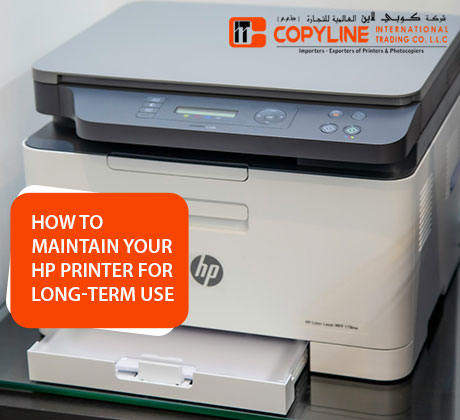
A well-maintained device is sure to last long, and this is common for office and home devices. The office that got HP Printers for sale in Dubai expects the machines to run smoothly, but needs timely maintenance. It is more than just fixing problems when they appear; it is about preventing them before they start. For businesses and home users who rely on smooth printing, a few simple habits can help your HP printer last longer, perform better, and reduce repair costs over time.
Understand why Printer Maintenance is Crucial
The maintenance is important regardless of the volume of printing solution an organisation has to handle daily. Dust and paper particles affect print quality. Clean trays and rollers to prevent jams. A trusted photocopier supplier often recommends monthly cleaning to keep devices efficient. Check the supplier’s service reviews to ensure you have a reliable source capable of addressing the printing problem, no matter what.
Updated drivers help the printer work with new systems. Firmware updates prevent errors and extend the machines’ usability, which is another part of maintaining the machines.
The right steps for machine maintenance also demand replacing the cartridges on time to prevent inks from drying out. It is better to do it before the levels show low. Quality cartridges can ensure safe, consistent printing for both office and home use.
Internal Cleaning is Important
Visible dust is not the only thing to clean; internal cleaning is also important. Dust is common in printing and can affect sensors and paper rollers. If left unnoticed, there can be problems with paper slipping and others.
HP Printers for sale in Dubai are built for durability, but even robust hardware fails when internal cleaning is neglected.
Never spray liquid directly into the printer. That can damage sensitive parts and create electrical risks. Instead, use approved cleaning methods and make sure the printer is switched off and unplugged before cleaning.
Remove dust particles using a soft brush. It is better to avoid manual cleaning, as it can unexpectedly lead to other problems.
Cleaning is a must if you want to use the printer for a long time. When a printer is left alone for a long time, it can develop minor issues with its functionality. Ink may dry out, dust can settle inside, and moving parts might wear out faster than they should. However, over time, it can lead to problems such as paper jams and often blurry or faded printouts. There may be error messages, which can lead to slower printing speed.
The good part is that most of these issues are avoidable with little maintenance and by using the machine almost every day. Maintenance can extend a machine’s life and reduce the risk of expensive repairs or parts replacements beyond its usual lifespan.
Watch for early warning signs
If there are strange noises, paper jams, faded prints, or slow performance, it’s a sign that the printer needs attention. Do not ignore these issues, because small faults often turn into bigger repairs if left unchecked.
Use Quality Supplies
Always use quality ink or toner cartridges recommended for your model. Cheap or incompatible cartridges may leak, clog internal parts, or produce inconsistent print results. Over time, that can create more damage than the money you save on the purchase.
The same rule applies to paper. Choose good-quality paper with the correct thickness and finish for your printer type. Poor paper quality can increase jams, wear down rollers, and leave residue inside the machine. Try to get the printing solutions and services from a top dealer. They will better understand the need for the best printer to print documents easily. If the printing service provider has printers from various tops brands, you can rely on them.
Controlled use of Ink
Use less ink whenever possible, as the cartridges and printer will perform efficiently. The use of ink depends on the font you choose to print. The more you preserve, the more smoothly you can use the printer. You also need to keep the printer busy to prevent the internal components from drying out too soon.
Print Regularly for Smooth Operations
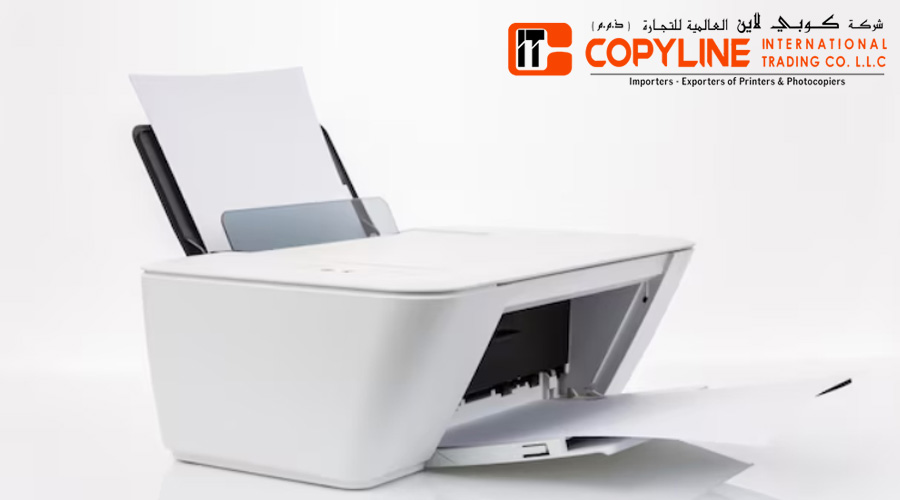
A printer that hasn’t been used for a long time can develop dried ink, clogged parts, or other performance issues. Print a few pages at least once a week to keep the internal components active. This is especially important for inkjet models, but it also helps laser printers in fine shape.
You should be careful about the right use of the printer. Monitor the printer’s recommended monthly duty cycle and avoid exceeding its intended workload. If your office prints heavily every day, a larger model or a device from a trusted photocopier supplier may be a smarter long-term option. Update the firmware and use the latest version to ensure smooth printer operation.
If you want to keep an HP printer for long-term use, some consistent habits can help. These are using genuine supplies, keeping it clean, placing it correctly, and avoiding overworking it. These simple steps can help you reduce repair costs and improve your device’s performance for years to come. Businesses needs smooth working printer for daily operations. In this case, they mostly look for the best printer.
When searching for HP Printers for sale in Dubai, ensure you get them from trusted suppliers that also provide support, servicing, and product guidance. Copyline UAE offers printing and office equipment solutions that are suitable for most businesses. Th technical team is readily available to offer the best support.
Author Bio
Copyline International Trading LLC is a reliable supplier of office devices. It offers printers, photocopiers, and maintenance services for businesses. The company is one of the leading suppliers of office printers in Dubai. It is our years of experience that enable us to deliver the best printing solutions to businesses. Clients can get hands-on with business printers from top brands worth investing in.
FAQs
What office printers does Copyline International Trading LLC offer?
The company supplies office printers for different businesses. It has multifunction and high-volume models designed to improve productivity and support everyday operations.
What are the early signs that a printer needs servicing?
Some signs of problems with the printer include a strange sound, slow printing, faded text, and paper jams. It is better not to ignore the signs, as it can lead to other problems if left unnoticed for a long time.
Can I get printer maintenance help?
The company has experts who can help with printer maintenance services. No matter the depth of the problem. The specialists try to get to the root of it and solve it.
Can I buy printer consumables from Copyline UAE?
The company supplies printer consumables, including toner and other essential accessories. Get in touch with the experts to explore the range of products available for business operations.
Is the printing service for the business easy to get?
The company offers excellent printing solutions for businesses and customises its services to meet the needs of different offices. Reliable, cost-effective service is what most businesses look for.
How does professional servicing help in regular maintenance?
If you approach professionals, they can help users get easy printing assistance, know how and when to service it for its long-term use. This can reduce the need for expensive repairs.